Systems administration

Consistent administration so systems stay legible and handover-ready

Accounts, permissions, devices, backups, updates and documentation maintained in a consistent state, so the business is not dependent on one person remembering how something was built.

Accounts · Permissions · Users · Devices · Backups · Updates · Documentation · Platforms

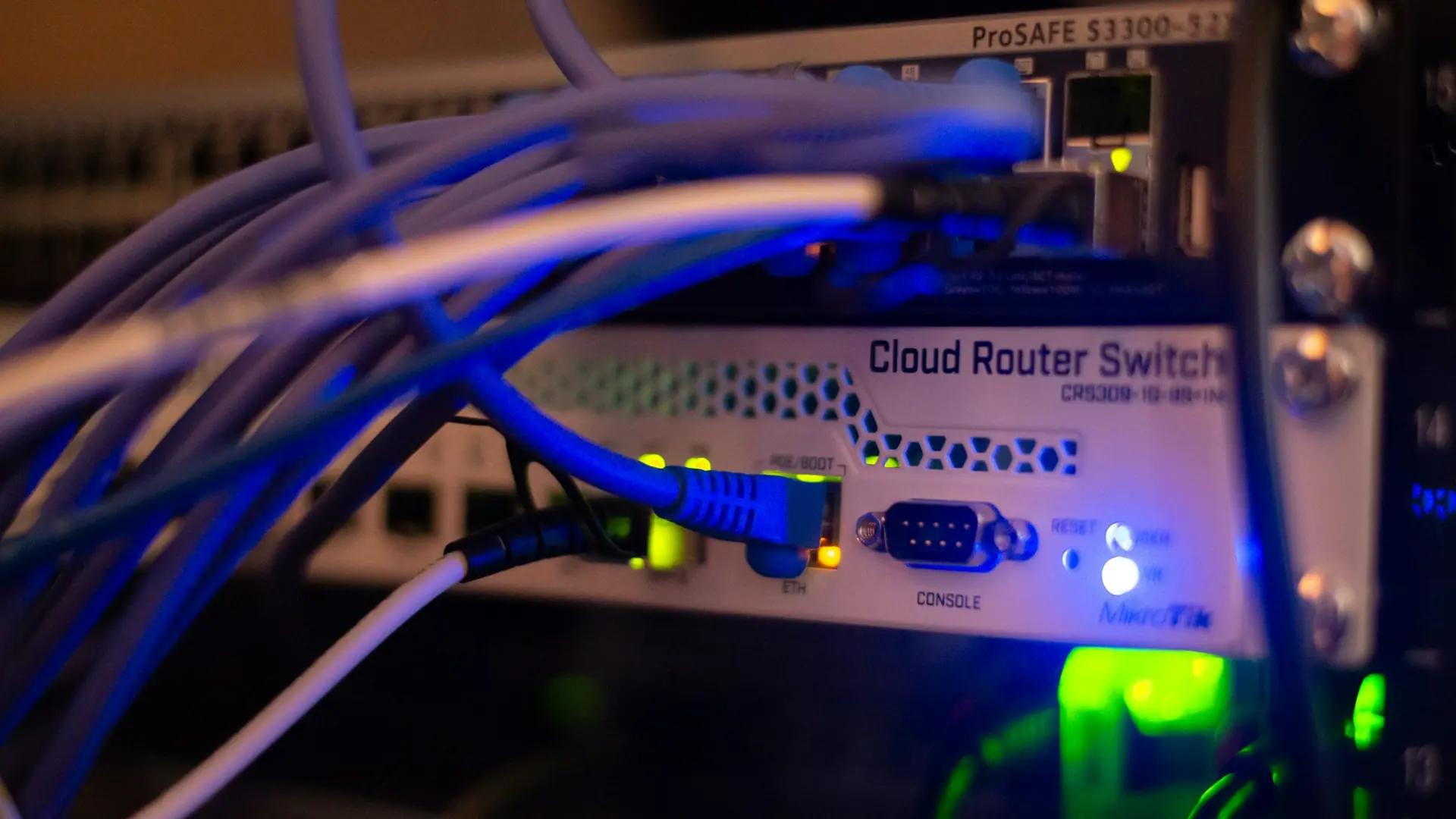
Server and systems infrastructure representing IT systems administration
  • Documented by default Inventories, access routes and configuration decisions written down.
  • Least privilege Access granted at the level required, and removed when it is not.
  • Gaps recorded Known weaknesses documented as decisions rather than left implicit.

Scope & dependencies

Systems administration support depends on system access, user permissions, device condition, supplier platforms, licensing, backup arrangements, security requirements, documentation, and agreed support terms.

Accounts

Accounts managed to a standard rather than case by case

Account sprawl is one of the most common findings in a business that has grown quickly. Bringing it back to a standard is unglamorous and highly effective.

  • Account standards

    A consistent format for accounts, display names, mailbox naming and group membership so records stay legible over time.

  • Administrative separation

    Administrative rights held on dedicated accounts rather than everyday user accounts, with a documented list of who holds them.

  • Service accounts

    Accounts used by systems rather than people identified, documented and reviewed - these are the ones that get forgotten.

  • Dormant account review

    Accounts no longer in use identified for closure or licence reclaim, with a record of the decision.

Permissions & users

Permissions structured so change is straightforward

If a role change requires an investigation, the permission model is doing too much work by hand.

  • Group-based access

    Permissions assigned to roles and groups rather than individuals, so a role change is a single action instead of an audit.

  • Shared resource access

    Shared mailboxes, folders, sites and business systems mapped so it is clear who can reach what and why.

  • Periodic review

    A repeatable check that access still matches current roles, with accumulated permissions trimmed back.

  • Least-privilege approach

    Access granted at the level actually required. Where a platform only offers coarse permissions, that limitation is documented.

Business systems panel

Users, devices, accounts, permissions and the records behind them

Most IT frustration traces back to something undocumented: who has access, what a licence covers, where a file lives, what is actually backed up. This is the layer that gets tidied up.

People & access

  • User accounts created, changed and closed in a consistent way
  • Permissions matched to role rather than inherited by accident
  • Joiner, mover and leaver steps written down instead of remembered
  • Shared account use identified and reduced where practical

Devices

  • Laptop, desktop, phone and tablet setup for new and existing users
  • Encryption and screen-lock settings reviewed on business devices
  • Peripheral and printer setup across the office
  • Age, warranty position and replacement planning noted honestly

Software & platforms

  • Business applications catalogued with owner and purpose
  • Licence counts and renewal dates recorded where information is provided
  • Vendor support routes identified before an issue happens
  • Compatibility questions raised before a change, not after

Backups & updates

  • What is backed up, where it goes and how far back it reaches
  • Restore expectations discussed rather than assumed
  • Update and patching approach agreed for devices and platforms
  • Known gaps documented so they are a decision, not a surprise

Documentation

  • System inventory kept in a form the business can read
  • Access routes and administrative contacts recorded
  • Supplier, licence and provider details held in one place
  • Configuration decisions captured with the reasoning behind them

Support needs

  • Common issues identified and given a repeatable resolution path
  • Escalation route to the relevant vendor or provider agreed
  • Boundaries of the support scope stated in writing
  • Recurring problems flagged as candidates for a proper fix

Backups, updates & devices

Maintenance that is scheduled rather than remembered

Backups, updates and device health are the areas most often assumed to be handled. Confirming the actual position is the first step.

  • Backup arrangements

    What is protected, where copies are held, retention periods, and whether a restore has been tested rather than assumed.

  • Update and patch approach

    An agreed approach for operating systems, applications and firmware, balancing currency against operational disruption.

  • Device health

    Storage pressure, performance, encryption status, supported-version position and devices approaching end of support.

  • Licence tracking

    Licence counts, tiers and renewal dates recorded where the information is supplied, so renewals are not a surprise.

Documentation

Records the business owns, not knowledge one person holds

Documentation is what makes an IT setup transferable. Without it, every change carries the risk of undoing an earlier decision nobody can explain.

  • System inventory

    A readable list of systems, what each one does, who owns it internally and which supplier or vendor supports it.

  • Access register

    Where administrative access sits, how it is arranged, and the route for granting or removing it.

  • Configuration notes

    The decisions behind the setup, not just the settings - so a future change does not undo a deliberate choice.

  • Supplier register

    Providers, account references, support routes and renewal dates in one place, held by the business rather than an individual.

Software platforms & operational system management

Ongoing administration across the platforms the business runs on

Operational system management is the routine work that keeps an environment stable: reviewing access, checking backup status, tracking licences, applying updates in a controlled way and keeping records current.

What can actually be administered depends on access and licence entitlement. Some platforms expose full administrative control; others restrict it to the vendor or to a higher subscription tier. Where a requirement is not available at the current tier, that is stated plainly along with what it would take to change.

Client-side information matters here more than anywhere else. Accurate licence details, supplier references, access authorisation and data handling instructions are what make consistent administration possible.

  • Access and licence entitlement confirmed before work is committed
  • Routine checks agreed with a defined frequency and record
  • Changes applied in a controlled, reversible order where possible
  • Vendor-controlled limitations documented rather than worked around
  • Records updated as part of the work, not afterwards
IT infrastructure racks representing business systems and platform administration

Responsibilities & limits

What administration depends on, and what is not guaranteed

Systems administration is a shared responsibility. These notes set out the dependencies and the limits before work is agreed.

Next step

Start an enquiry about systems administration

Describe the current setup and the problem you want addressed. Scope, access requirements, dependencies and responsibilities are confirmed in writing before any work begins.

  • No payment details are collected through this website.
  • Passwords, credentials, API keys and private keys should never be sent through a public form.
  • Support is subject to agreed scope, confirmed in writing before work begins.