
Business IT Support
Day-to-day support for users, devices, software and access.
Explore this service
Network & connectivity
Network and connectivity support covering coverage, routing, access points, cabling coordination and office setup, with provider and physical dependencies stated openly rather than promised away.
Scope & dependencies
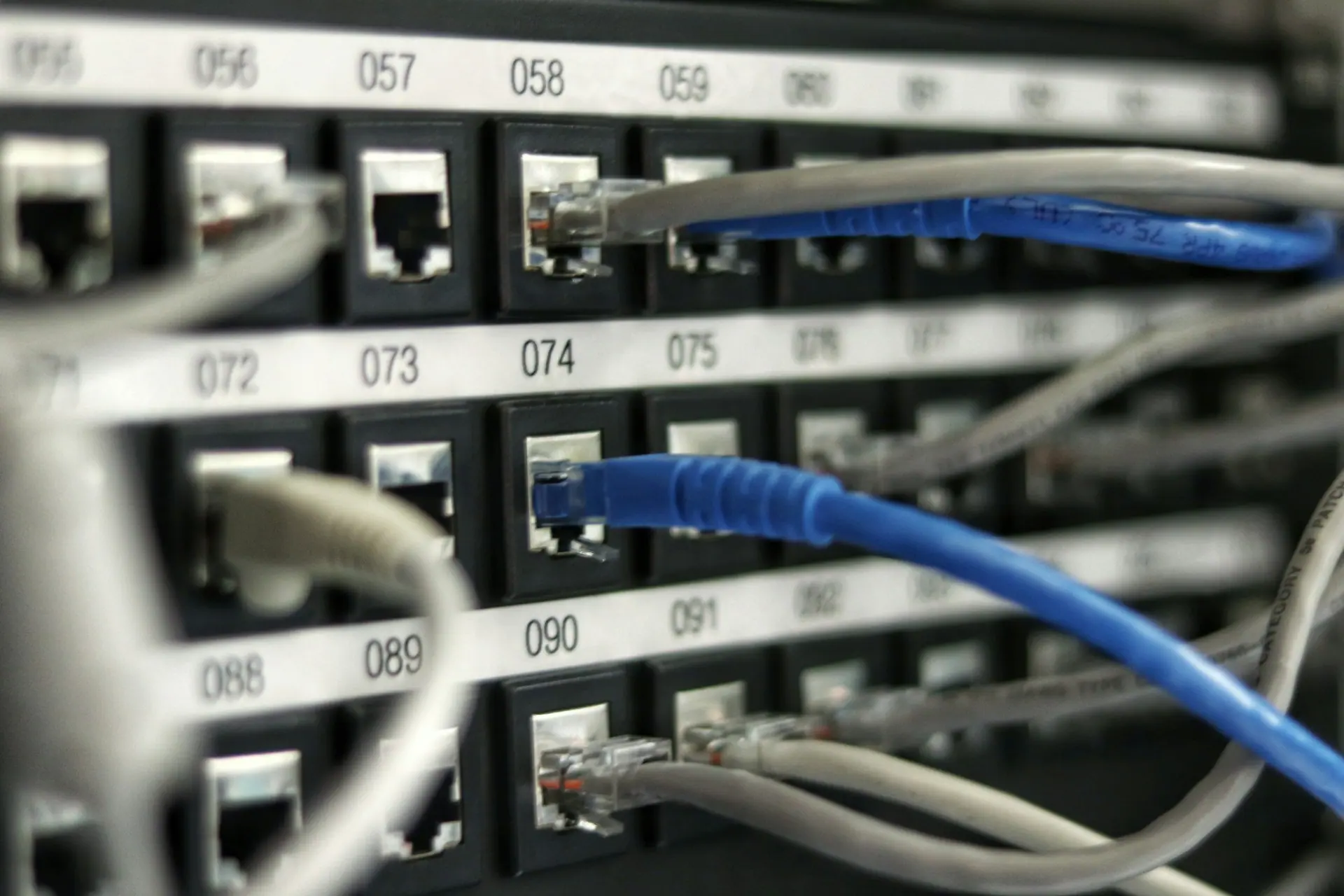
Network and connectivity support depends on property layout, existing equipment, internet provider performance, cabling, access points, interference, user requirements, supplier terms, and agreed scope. Network performance and uptime are not guaranteed.
Wi-Fi
Wi-Fi problems are usually physical before they are technical. Understanding the building and the usage pattern comes before recommending equipment.
Where signal genuinely reaches, where it degrades, and which parts of the working area are being served by a distant access point.
Neighbouring networks, channel overlap, band usage and the physical materials in the building that absorb signal.
How laptops, phones and fixed equipment choose and hold a connection, including devices that cling to a weak signal.
Visitor access kept apart from business systems where the equipment supports it, with realistic limits explained.
Routers, switches & access points
A network can be fully populated with equipment and still be limited by one unit that cannot do what the business now needs.
Capability review, configuration, firmware position and whether the existing unit can support what the business now needs.
Port capacity, power-over-Ethernet availability, placement in the comms area and headroom for growth.
Placement, mounting, power delivery and roaming behaviour so users move between areas without dropping connection.
Reviewing rules against what is actually required, within the capability of the equipment in place.
Network reliability matrix
Network problems are rarely caused by one thing. This matrix separates what a support engagement can review from what depends on a provider, the building or existing equipment - so expectations stay honest.
| Factor | What gets reviewed | Primary dependency |
|---|---|---|
| Connectivity | Circuit type, contended vs dedicated service, router capability, failover options | Internet provider |
| Wi-Fi | Coverage across the working area, band usage, channel congestion, client density | Building layout & equipment |
| Routing | Gateway configuration, VLAN separation where relevant, DNS behaviour, firewall rules | Existing equipment capability |
| Access points | Placement, mounting, power delivery, roaming behaviour between units | Cabling & power availability |
| Cabling coordination | Route planning, patching, labelling, working with the installer on site | Cabling contractor & premises |
| Network performance | Observed behaviour during real use, bottleneck identification, capacity headroom | Provider, hardware & usage |
| Resilience | What happens when a link, switch or access point fails, and what fallback exists | Budget & provider options |
| Device access | How laptops, phones, printers and fixed equipment attach and authenticate | Device age & manufacturer support |
| Monitoring | What can practically be observed, and what would require additional tooling | Tooling scope & agreement |
Connectivity
Connectivity is delivered by the provider contracted to the site. Their circuit type, contention, service level and fault process determine most of what the business experiences.
Support at this layer means understanding what has been contracted, whether the router can handle it, how the connection behaves under real load, and what the escalation route is when something degrades. Where a business needs a specific availability or restoration commitment, that has to be contracted with the connectivity provider - a support arrangement cannot substitute for it.
Failover options are worth discussing honestly. A second connection or mobile backup reduces exposure but adds cost and complexity, and does not eliminate downtime. The trade-off is presented rather than assumed.
Office setup
An office move is the cheapest opportunity a business will ever get to fix its network. After the walls are closed, options narrow considerably.
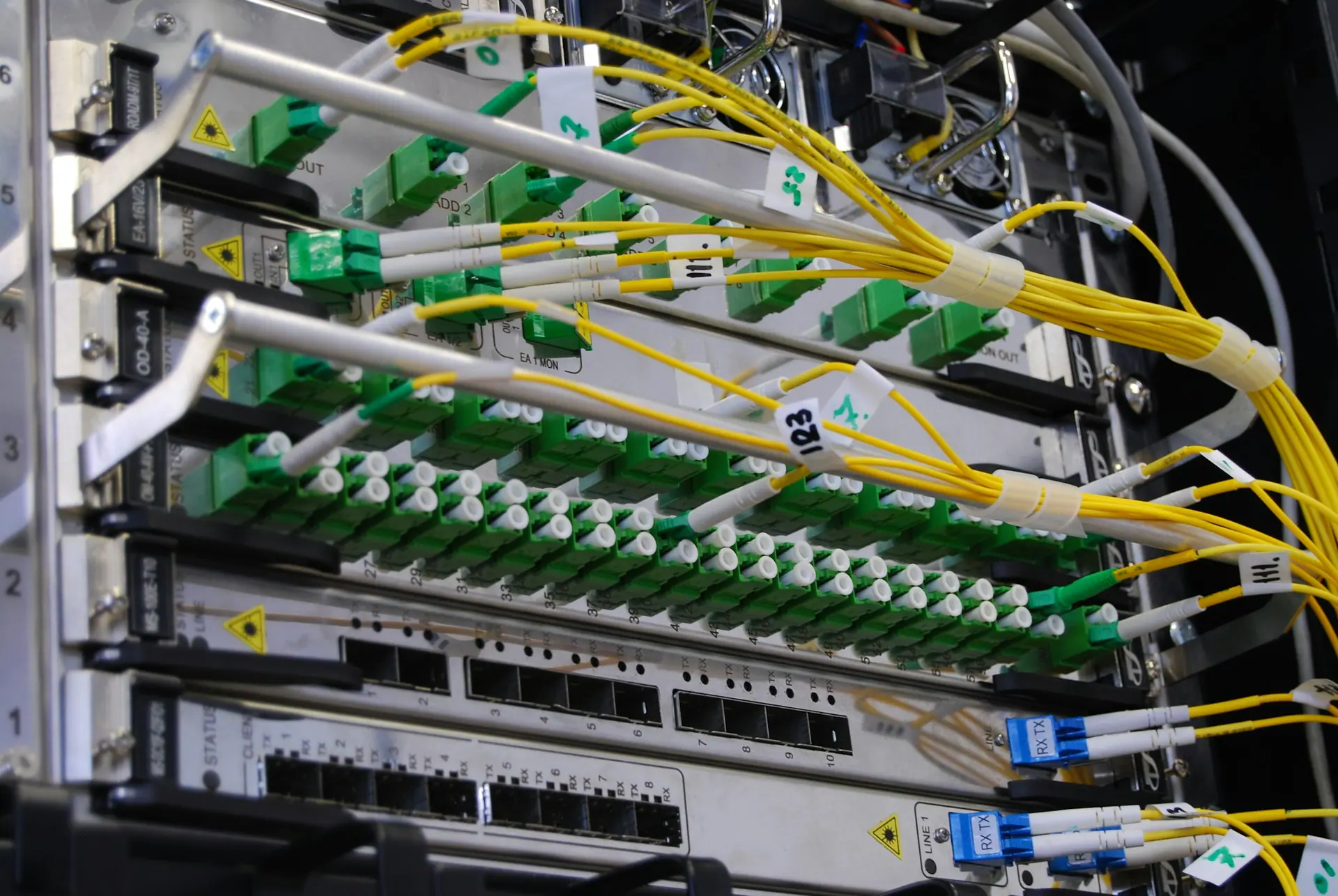
Planning connectivity, cabling routes, equipment placement and desk layout before a move rather than after it.
Working with a cabling contractor on route planning, patching, labelling and testing. Physical installation is coordinated, not carried out.
Wired connections where they matter, screen and conferencing equipment, and print or scan positions that make sense.
Liaising with the internet provider on installation dates, line handover and fault escalation - within their process and timescales.
Network improvement planning
Useful network planning starts with what cannot be changed, then works out what can.
What equipment exists, where it sits, how it is configured and which parts are past their supported life.
Building fabric, cabling limits, power positions, provider options at the address and equipment that cannot be extended further.
Practical improvement options presented with cost, disruption and dependency implications rather than a single recommendation.
What happens when a link, switch or access point fails, what fallback is realistic, and what it would cost to reduce that risk.
Limitations
Network outcomes involve physics, third-party providers and existing equipment. These notes set out the boundaries before work is agreed.
Next step
Describe the current setup and the problem you want addressed. Scope, access requirements, dependencies and responsibilities are confirmed in writing before any work begins.